How to Get Internet in a Rural Area With No Service (Every Option Explained)
Disclosure: GetRemoteInternet is reader-supported. This article contains affiliate links, and we may earn a commission if you purchase through them — at no extra cost to you. Learn more.
Living in a rural area with no cable, no fiber, no DSL, and barely any cell signal can feel like you’ve been left behind by the internet entirely. But there are more options than most people realize — and in 2026, several of them are genuinely good. Here’s a practical guide to getting internet when nothing conventional reaches your property.
Step 1: Confirm What’s Actually Available at Your Address
Before assuming nothing is available, check each option individually. Coverage maps are notoriously inaccurate — real availability varies street by street and can change as providers expand. Check these in order:
- Starlink: Visit starlink.com and enter your address. Starlink has expanded rapidly and may now cover areas that were waitlisted a year ago
- T-Mobile Home Internet: Visit t-mobile.com/isp and enter your address — many rural areas with LTE coverage qualify even with weak signal
- AT&T Fixed Wireless: Visit att.com/internet/fixed-wireless and check — available in select rural markets
- Viasat: Visit viasat.com — available almost everywhere in the US via geostationary satellite
- HughesNet: Visit hughesnet.com — nationwide satellite coverage, available at virtually any address
Viasat and HughesNet are your guaranteed fallback options — both serve nearly all US addresses via satellite and require no ground infrastructure at all.
Your Options When Nothing Else Reaches You
Option 1: Satellite Internet (Best Guaranteed Option)
Satellite internet is the most reliable option for truly remote rural addresses because it requires nothing on the ground except your dish. There are two types:
Low-earth orbit (LEO) — Starlink: The best performing satellite option. 50–200 Mbps speeds, 20–40ms latency, no data caps, no contract. Requires a clear view of the northern sky. Hardware costs $599 upfront, service is $120/month.
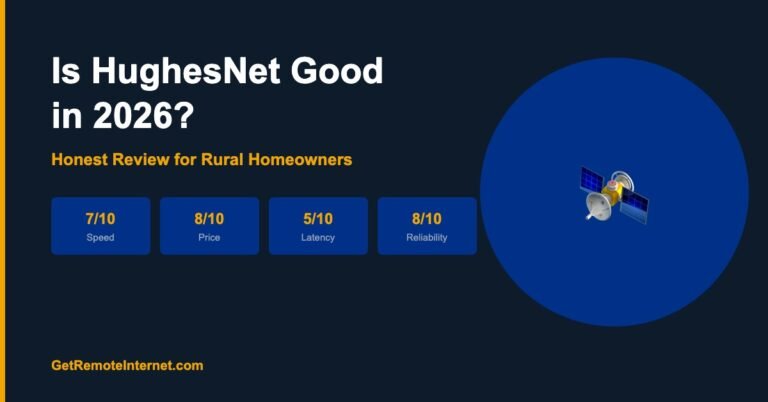
Geostationary satellite — Viasat & HughesNet: Available everywhere, no equipment purchase needed, professional installation included. Higher latency (500–700ms) limits video calls and gaming, but handles browsing, streaming, and everyday use well.
Option 2: LTE/5G Home Internet via Hotspot
If you have any cellular signal — even one bar of LTE — you may be able to get usable internet through a dedicated mobile hotspot device. Unlike using your phone as a hotspot, a dedicated hotspot device with an external antenna can pull in weak signals and turn them into a home connection.
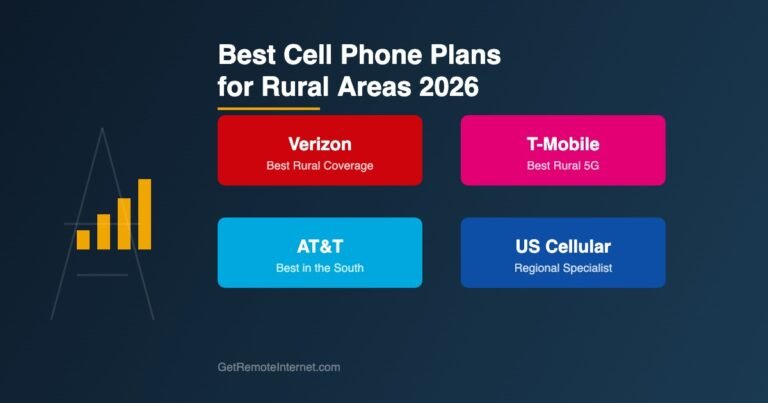
The key is pairing a hotspot with a high-gain external antenna mounted outside your home, pointed toward the nearest tower. This setup can transform one bar of outdoor signal into a functional indoor connection. Best carriers for rural hotspot coverage: Verizon (widest rural tower network), T-Mobile (best rural spectrum with 600 MHz), AT&T.
See our guides: best rural cell plans and how to boost cell signal at home.
Option 3: Fixed Wireless from a Local ISP
Many rural areas are served by small local internet service providers (WISPs — Wireless Internet Service Providers) that aren’t listed on national coverage maps. These providers mount a wireless radio antenna on your home pointed at a tower they own, delivering broadband without any cable in the ground.
To find local WISPs: search “[your county] wireless internet provider” or “[your county] WISP” and check with neighbors and local Facebook groups — the best source for what actually works in your specific area.
Option 4: Point-to-Point Wireless from a Neighbor
If a neighbor has a fast internet connection — cable, fiber, or a good satellite — it may be possible to share it across a point-to-point wireless link. Ubiquiti equipment can beam a signal up to several miles with line of sight, and splitting a $100/month connection two ways costs each household $50.
This requires a willing neighbor, line of sight between properties, and some basic networking setup — but it’s a practical solution many rural communities use successfully.
Which Option Should You Choose?
| Your Situation | Best Option |
|---|---|
| Any cellular signal at your address | T-Mobile Home Internet or hotspot + antenna |
| No cellular, clear sky view | Starlink (if available) or Viasat/HughesNet |
| Starlink waitlisted | Viasat or HughesNet now, switch later |
| Tight budget, any satellite signal | HughesNet starting at $50/mo |
| Large property, need field coverage | Starlink + hotspot for field use |
| Neighbor has good connection | Point-to-point wireless share |
Frequently Asked Questions
What do I do if I have absolutely zero internet options?
HughesNet and Viasat are available at virtually every address in the continental US — if you can see the southern sky, you can get satellite internet. These are your guaranteed fallback options no matter how remote your property is.
Is satellite internet good enough for everyday use?
Yes — Starlink is genuinely fast (50–200 Mbps) and handles everything from 4K streaming to video calls. HughesNet and Viasat handle streaming and browsing well, with limitations on video calls due to high latency. For the vast majority of everyday internet use, any satellite option is far better than no internet at all.
Are there government programs to help rural areas get internet?
Yes — several. The USDA ReConnect Program funds rural broadband infrastructure. The FCC’s Emergency Connectivity Fund and BEAD (Broadband Equity, Access, and Deployment) Program are funneling billions into rural broadband expansion through 2025–2026. Contact your state’s broadband office to find programs specific to your area.
How long until rural internet gets better?
It’s already getting much better. Starlink has connected millions of rural homes since 2021 and continues expanding. T-Mobile’s 600 MHz rural coverage reaches over 99% of the US population. BEAD Program funding is expected to bring fixed broadband to most unserved rural addresses by 2027–2028. The gap is closing faster than at any point in history.
📡 Get Rural Internet Tips — Free
Provider updates, signal booster deals, and honest reviews delivered to your inbox.