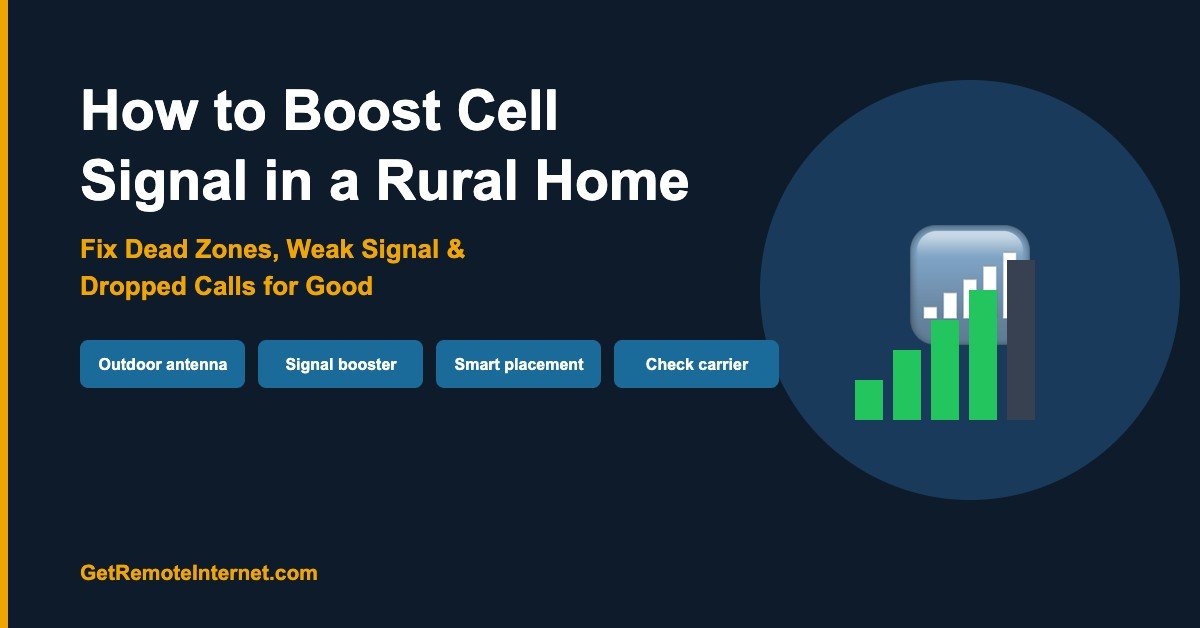
How to Boost Cell Signal in a Rural Home (5 Steps That Actually Work)
Disclosure: GetRemoteInternet is reader-supported. This article contains affiliate links, and we may earn a commission if you purchase through them — at no extra cost to you. Learn more.
Weak cell signal in rural areas is one of the most frustrating daily problems a homeowner can face — dropped calls in the middle of conversations, text messages that won’t send, and data speeds so slow that a webpage won’t load. The good news: there are proven ways to fix it, and most don’t require switching carriers or moving closer to a tower.
Why Cell Signal Is Weak in Rural Areas
Before fixing weak signal, it helps to understand why it’s happening. In rural areas, the most common causes are:
- Distance from towers: Cell towers cover a finite radius. Rural homes are often at the far edge — or beyond — a tower’s range
- Terrain and obstructions: Hills, mountains, dense trees, and valleys all block or absorb cell signals before they reach your home
- Building materials: Metal roofs, thick concrete walls, and Low-E window glass all block signal from entering your home
- Network congestion: Fewer towers serving a wider area means each tower handles more load
Step 1: Find Where Signal Is Strongest Outside
Walk around your property with your phone and watch the signal bars. Most rural properties have spots — often hilltops, clearings, or the side of the property facing the nearest tower — where signal is measurably stronger. This matters because any signal booster system amplifies the outside signal you have, so finding the best outdoor location is the foundation of everything else.
Pro tip: Put your phone in Field Test Mode to see exact signal strength in dBm rather than bars (which are imprecise). On iPhone: dial *3001#12345#* and press call. On Android: Settings → About Phone → Status → SIM Status → Signal Strength. A reading of -70 dBm is excellent; -100 dBm is very weak; below -110 dBm is essentially no signal.
Step 2: Check If Your Carrier Has Better Coverage
Before investing in boosters, confirm your carrier actually has tower coverage in your area. Coverage maps can be misleading — they show theoretical coverage, not real-world signal. The best approach:
- Ask neighbors which carrier they use and how their signal is
- Check opensignal.com for crowd-sourced real-world coverage data by carrier
- If Verizon coverage is strong but you’re on T-Mobile, switching carriers alone could solve your problem without any hardware
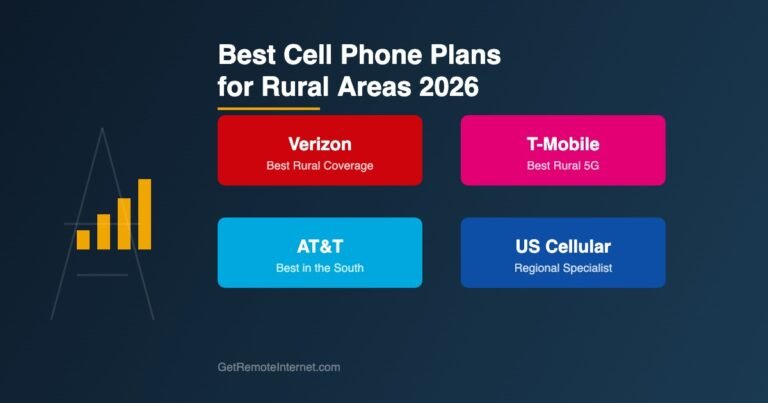
Verizon has the most extensive rural tower network in the US. T-Mobile has the widest spectrum coverage. AT&T falls in between. If you’re on a budget carrier using a weaker network, switching to Verizon or T-Mobile directly is often the highest-impact move.
Step 3: Install a Cell Signal Booster
A cell signal booster (also called a repeater or amplifier) is the most effective solution for rural homes. It works in three parts:
- Outdoor antenna — mounted on your roof or a pole, pointed toward the nearest tower, captures whatever signal is available outside
- Amplifier unit — boosts the captured signal up to 32x
- Indoor antenna — broadcasts the boosted signal throughout your home
The result: a home that gets 2–4 bars of signal indoors even when you’d have almost none without the booster. Here are the top-rated boosters for rural homes:
weBoost Home MultiRoom — Best for Most Rural Homes
The weBoost Home MultiRoom is the most popular cell signal booster for rural homes. It amplifies all US carriers simultaneously (Verizon, T-Mobile, AT&T, and others) on all cell bands including 5G. Coverage inside your home reaches up to 5,000 sq ft from a single indoor antenna.
SureCall Fusion4Home — Best Budget Booster
The SureCall Fusion4Home is a reliable, affordable alternative to weBoost. It covers up to 4,000 sq ft, supports all carriers, and consistently earns strong reviews from rural users. If budget is a concern, this is the pick.
weBoost Home Complete — Best for Extreme Rural Signal
If you’re truly in a dead zone — less than one bar outside — the weBoost Home Complete is the most powerful residential booster available. It uses a larger outdoor Yagi directional antenna that focuses gain directly at the nearest tower, pulling in signal from up to 60+ miles away in optimal conditions.
Step 4: Optimize Outdoor Antenna Placement
The outdoor antenna placement is the biggest factor in how well your booster performs. Follow these rules:
- Height matters: Every 10 feet of additional height can double your signal capture. Mount as high as safely possible — rooftop is ideal
- Point toward the tower: Use a directional (Yagi) antenna aimed at the nearest tower for maximum gain. Use antennasearch.com to find the exact tower locations in your area
- Clear line of sight: Avoid aiming through trees or around buildings. Even partial obstruction cuts signal significantly
- Maintain separation: Keep at least 15–20 feet of vertical separation between outdoor and indoor antennas to prevent oscillation (feedback loop)
Step 5: Wi-Fi Calling as a Backup
If you have any broadband internet connection — Starlink, T-Mobile Home Internet, HughesNet, or otherwise — enable Wi-Fi Calling on your phone. This routes your calls and texts through your internet connection instead of the cellular network, giving you clear calls even when cell signal is zero.
- iPhone: Settings → Cellular → Wi-Fi Calling → Enable
- Android: Settings → Connections → Wi-Fi Calling → Enable
Wi-Fi calling is free on all major carriers and works over any internet connection. It’s the simplest fix if you mainly need reliable calls and texts at home.
Frequently Asked Questions
Do cell signal boosters really work in rural areas?
Yes — but they require at least some usable signal outside your home (at least -110 dBm or about one bar). If you have zero signal outside, a booster won’t help because there’s nothing to amplify. In that case, Wi-Fi calling over a satellite or fixed wireless internet connection is your best option.
Are cell signal boosters legal?
Yes — all boosters sold by major brands like weBoost and SureCall are FCC-certified and legal to use in the US. They are required to automatically shut down if they cause interference with carrier networks, which never happens in practice for residential use.
How much does a good cell booster cost?
Residential signal boosters range from $250 for a basic single-room unit to $650+ for a whole-home system with a powerful directional outdoor antenna. The weBoost Home MultiRoom (~$400) is the sweet spot for most rural homes — powerful enough to cover the whole house without being overkill.
Will a signal booster work with 5G?
Current residential boosters amplify 4G LTE and sub-6GHz 5G signals. mmWave 5G (the ultra-fast city variant) is not amplifiable with current booster technology — but mmWave 5G isn’t available in rural areas anyway, so this isn’t a practical concern for rural homeowners.
📡 Get Rural Internet Tips — Free
Provider updates, signal booster deals, and honest reviews delivered to your inbox.