What Internet Speed Do I Need to Work From Home in a Rural Area?
Disclosure: GetRemoteInternet is reader-supported. This article contains affiliate links, and we may earn a commission if you purchase through them — at no extra cost to you. Learn more.
Working from home in a rural area raises one question above all others: is my internet fast enough? The answer depends on what you actually do all day — a data entry job has very different needs than a video producer running cloud renders. Here’s exactly what speeds you need, and which rural internet options can reliably deliver them.
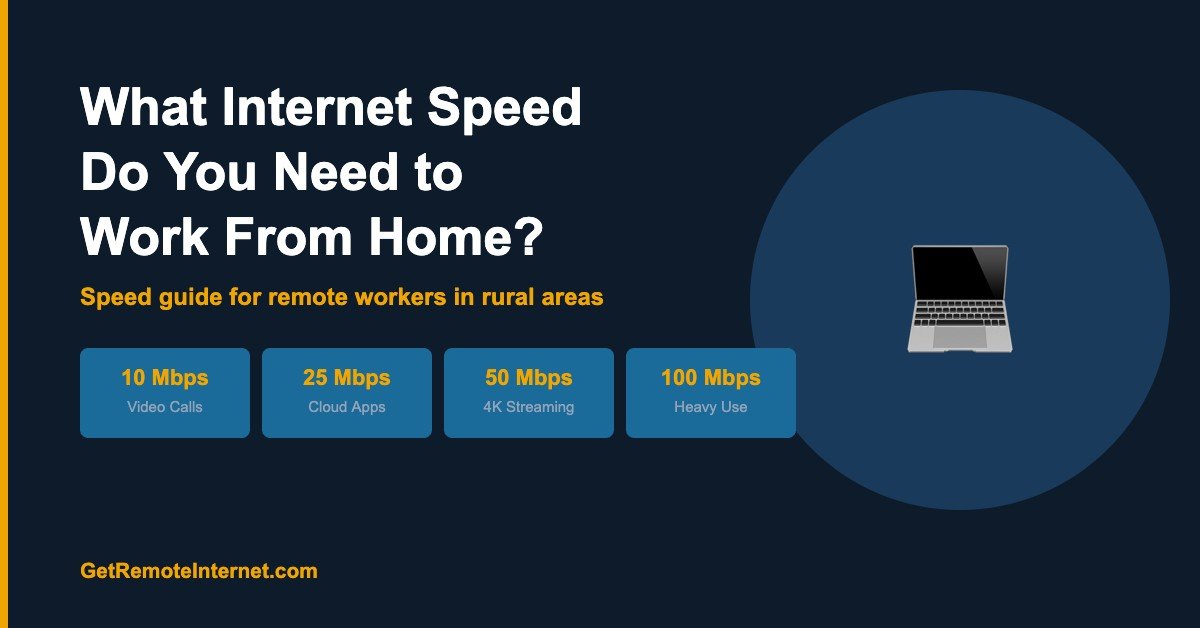
Internet Speed Requirements by Work Type
| Work Type | Minimum Speed | Recommended Speed |
|---|---|---|
| Email, browsing, documents | 5 Mbps | 10 Mbps |
| Video calls (Zoom, Teams) — 1 person | 10 Mbps | 25 Mbps |
| Video calls — multiple people/screens | 25 Mbps | 50 Mbps |
| Cloud apps (Salesforce, Google Workspace) | 10 Mbps | 25 Mbps |
| Large file uploads (design, video) | 25 Mbps upload | 50+ Mbps upload |
| VoIP phone calls | 1 Mbps | 5 Mbps |
| Multiple remote workers in one household | 50 Mbps | 100+ Mbps |
The most important number most people overlook: upload speed. Most internet plans advertise download speed, but working from home — especially video calls and file sharing — is upload-intensive. Make sure your plan’s upload speed matches your needs.
Why Latency Matters More Than Speed for Remote Work
Speed gets all the attention, but latency (ping) is often the bigger factor for remote work quality. Latency is the delay between sending and receiving data — measured in milliseconds (ms).
- Under 50ms: Excellent — video calls feel real-time, VoIP is clear, cloud apps respond instantly
- 50–150ms: Good — most work tasks feel normal, minor delay on video calls
- 150–400ms: Noticeable — video calls have a slight lag, people talk over each other
- Over 400ms: Poor — video calls feel broken, VoIP has echo and cutouts
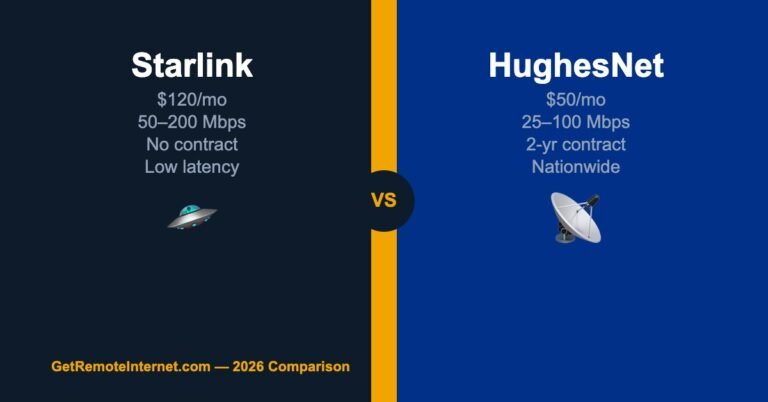
This is why traditional geostationary satellite internet (Viasat, HughesNet) with 500–700ms latency is frustrating for remote workers despite having decent speeds. Starlink and T-Mobile Home Internet both deliver under 50ms latency — a fundamentally different working experience.
Best Rural Internet Options for Working From Home
1. T-Mobile Home Internet — Best Value for Remote Workers
At $50/month with no contract, T-Mobile Home Internet delivers 72–245 Mbps download and 15–31 Mbps upload with latency under 40ms. That’s more than enough for any remote work scenario, including heavy video conferencing. If T-Mobile coverage reaches your address, this is the easiest and cheapest win available.
2. Starlink — Best Performance for Remote Workers
Starlink delivers 50–200 Mbps download, 10–20 Mbps upload, and 20–40ms latency. It’s the most reliable high-performance option for rural remote workers — especially if you’re on video calls all day or work with large files. The $120/month cost is higher than T-Mobile but the performance consistency is excellent.
3. Viasat or HughesNet — If Nothing Else Is Available
For email, documents, and occasional video calls, Viasat and HughesNet can support basic remote work. The high latency (500–700ms) will create noticeable delays on video calls, but if these are your only options, they’re better than nothing. Keep video calls as audio-only when possible to reduce bandwidth and latency impact.
Tips for Better Remote Work on Rural Internet
- Use a wired Ethernet connection from your router to your work computer — eliminates Wi-Fi variability and gives you the most consistent speeds
- Schedule large uploads/downloads off-hours — backing up files or syncing cloud storage during overnight hours keeps daytime speeds clear for calls
- Lower video call resolution — switching Zoom or Teams from HD to Standard definition cuts bandwidth use by 60–70% with barely noticeable quality loss
- Use a quality router — Starlink’s built-in router is fine, but a dedicated Wi-Fi 6 mesh system eliminates dead zones and keeps latency low throughout your home. See our best routers for Starlink guide
- Have a mobile hotspot as backup — even a $30/month hotspot plan gives you a fallback when your main connection has issues. No remote worker should be without a backup
Frequently Asked Questions
Is 25 Mbps fast enough to work from home?
Yes for most jobs — email, documents, cloud apps, and standard-definition video calls all work fine at 25 Mbps. You’ll feel it if you’re on multiple video calls simultaneously or uploading large files. For a single remote worker doing typical office tasks, 25 Mbps is sufficient.
Can I work from home on HughesNet or Viasat?
Yes, with limitations. Speeds are adequate for most tasks, but the high latency (500–700ms) creates noticeable delays on video calls. Many remote workers on satellite make calls audio-only and use video selectively to manage the experience. It works — it’s just not ideal for all-day video conferencing.
What is a good upload speed for working from home?
10 Mbps upload handles most remote work including HD video calls. If you regularly upload large files (video, design assets, large datasets), aim for 25+ Mbps upload. T-Mobile Home Internet and Starlink both deliver 10–20 Mbps upload reliably.
📡 Get Rural Internet Tips — Free
Provider updates, signal booster deals, and honest reviews delivered to your inbox.