Best Internet for Rural Airbnb Hosts (Fast Wi-Fi = 5-Star Reviews)
Disclosure: GetRemoteInternet is reader-supported. This article contains affiliate links, and we may earn a commission if you purchase through them — at no extra cost to you. Learn more.
Fast, reliable Wi-Fi is now one of the top factors in Airbnb reviews — right up there with cleanliness and location. For rural Airbnb hosts, this is both a challenge and an opportunity: get your internet right and you’ll earn 5-star reviews and repeat bookings from remote workers and digital nomads seeking a countryside escape.
Why Wi-Fi Is Critical for Rural Airbnb Success
Remote workers now actively search Airbnb for rural properties with verified fast Wi-Fi. Airbnb’s own “Fast Wi-Fi” badge (requires a verified speed test of 25+ Mbps) appears in search results and dramatically increases bookings. Properties with verified fast Wi-Fi earn on average 24% more per night than comparable listings without it.
Best Internet Options for Rural Airbnb Properties
1. Starlink — Best Overall for Rural Airbnb
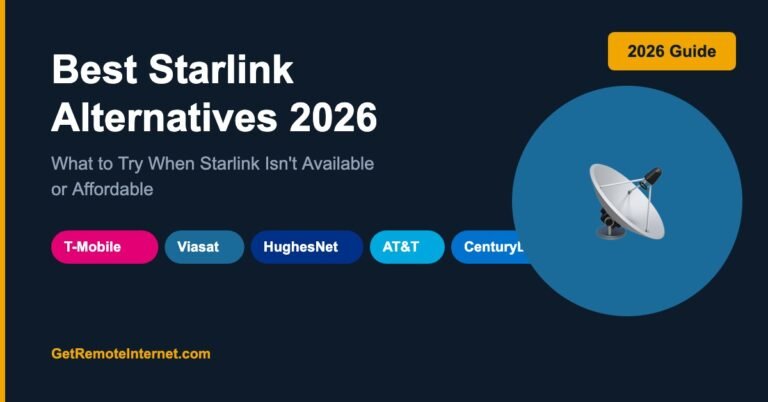
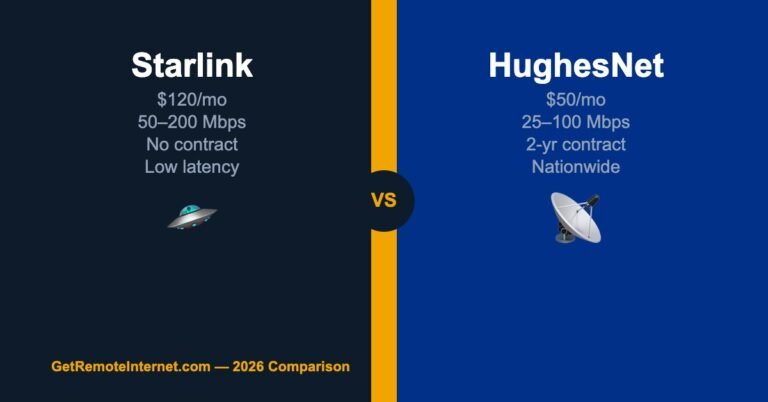
Starlink is the gold standard for rural Airbnb hosts who want to offer reliable, fast Wi-Fi. At 50–200 Mbps with low latency, it handles everything guests might need — 4K streaming, video calls, large file uploads, gaming. The one-time $599 hardware cost pays for itself many times over in premium bookings from remote workers seeking fast rural internet.
Set it up on Residential plan, run a speed test, and enable Airbnb’s Wi-Fi verification — you’ll qualify for the Fast Wi-Fi badge almost guaranteed.
2. T-Mobile Home Internet — Best Value Option
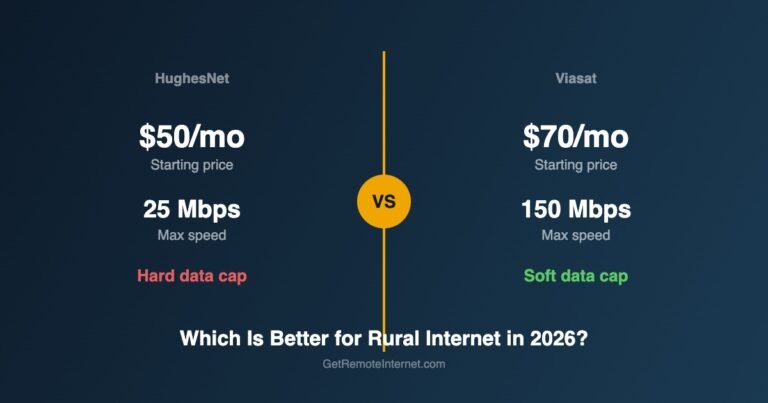
At $50/month with no contract and speeds of 72–245 Mbps, T-Mobile Home Internet is excellent for Airbnb properties where T-Mobile coverage is strong. The plug-and-play gateway setup means no complex installation. Run the speed test and you’ll easily qualify for Airbnb’s Fast Wi-Fi badge.
Router Setup for Airbnb Guests
Once you have internet, how you set it up for guests matters as much as the speed itself. Follow these best practices:
- Create a dedicated guest network — keep your management devices (security cameras, smart locks) on a separate network from guests. Any Wi-Fi 6 router lets you do this easily
- Simple password — use a short, easy-to-type password. Print it on a card and leave it on the kitchen counter. Guests should never have to search for it
- Router placement matters — place it centrally in the home, off the floor, away from microwaves and thick walls. A mesh system (like eero or TP-Link Deco) eliminates dead zones in larger properties
- Run a speed test before each check-in — use fast.com or speedtest.net to confirm everything is working. Fix issues before guests arrive, not during their stay
- Include a troubleshooting note — leave a card with the router location and “If Wi-Fi isn’t working, unplug the router for 30 seconds and plug it back in.” This handles 80% of issues without a call to you
How to Get Airbnb’s Fast Wi-Fi Badge
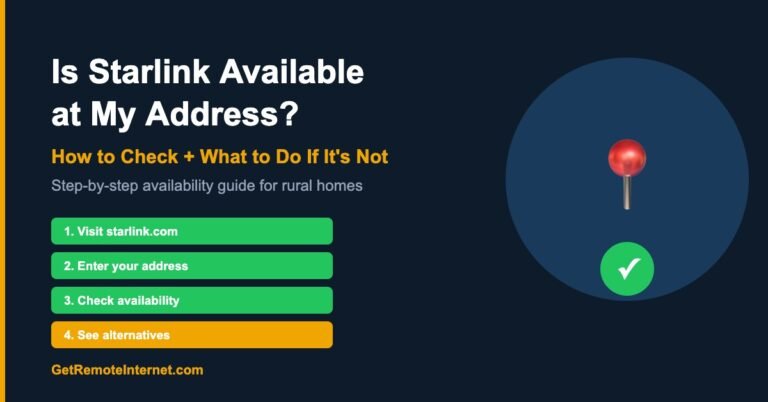
- Go to your Airbnb listing → Edit → Amenities → Wi-Fi
- Click “Run a speed test”
- Airbnb’s tool tests your connection from inside the property
- 25+ Mbps download qualifies for the Fast Wi-Fi badge
- The badge appears in search results and your listing header
With Starlink or T-Mobile Home Internet, you’ll almost certainly qualify. Run the test when guests aren’t connected for the cleanest result.
Frequently Asked Questions
Can guests use Starlink at my Airbnb?
Yes — Starlink’s residential plan allows unlimited users within your home network. Guests connect to your Wi-Fi just like any other household member. There are no per-device fees or user restrictions.
What speed do I need for Airbnb guests?
25 Mbps minimum to qualify for Airbnb’s Fast Wi-Fi badge. For properties targeting remote workers, aim for 50+ Mbps — enough to support multiple guests on simultaneous video calls without slowdowns.
Should I use a separate router for Airbnb guests?
A guest network on your existing router is sufficient for most hosts. If you have smart home devices (locks, cameras, thermostats), a guest network keeps those on a separate VLAN that guests can’t access. eero and TP-Link Deco both make this setup very easy.
📡 Get Rural Internet Tips — Free
Provider updates, signal booster deals, and honest reviews delivered to your inbox.